

No headings found
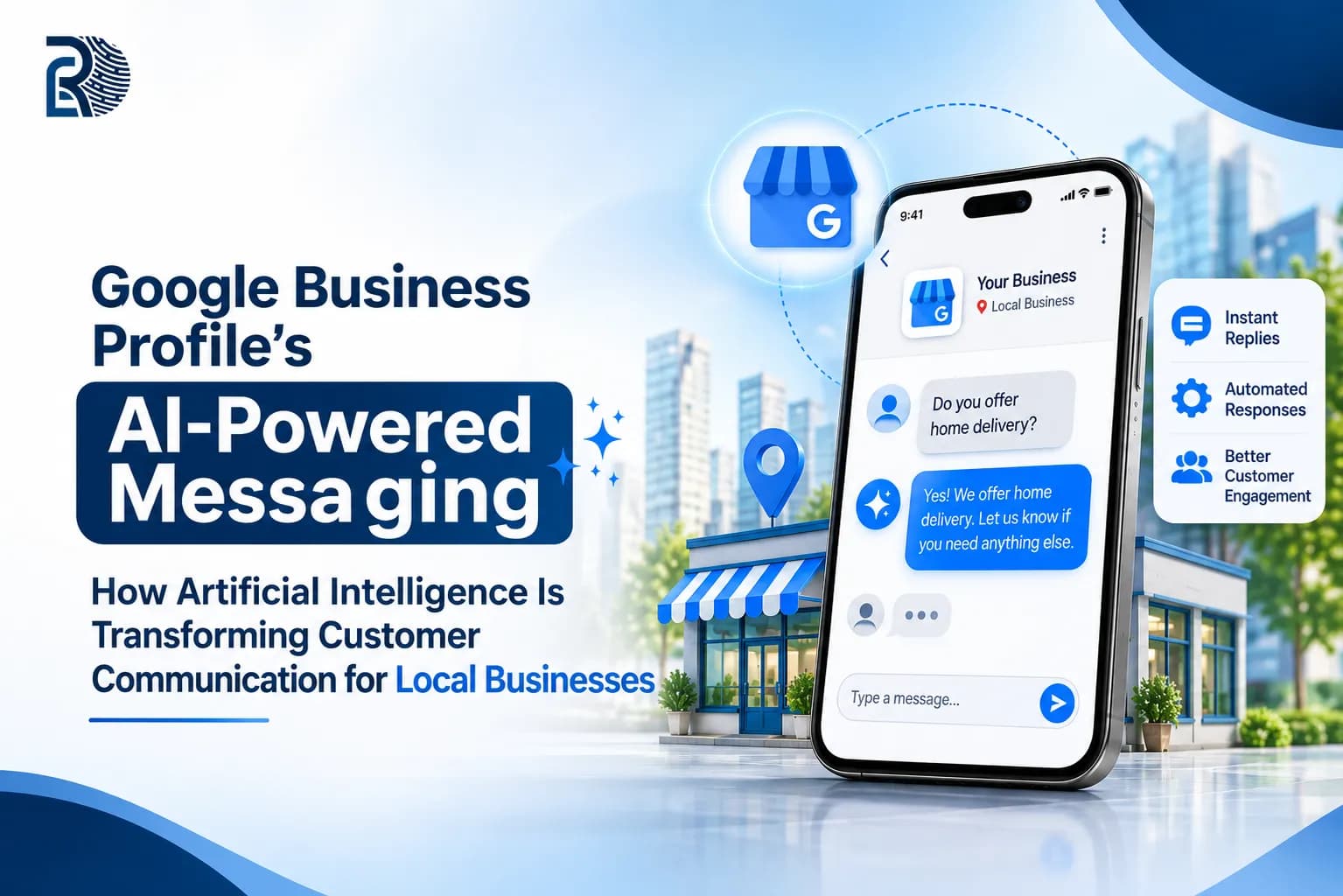
Google has started inviting local businesses to try a feature that changes the first conversation a customer has with them. Instead of waiting for a call or a reply, a shopper who finds a business in Search or Maps can tap Message and get an instant answer from an AI agent. Google’s own Help Community published an activation guide on 3 November 2026, and this article follows its steps, adds what the surrounding reporting says, and explains how to get ready. Google switched off the old Business Profile chat in 2024. In June 2026, Search Engine Roundtable first reported an AI-powered replacement. Invitations began reaching some owners in late October, and on 29 October the site reported that Google appeared to be opening the pilot to more businesses. The basics, as reported: Customers message from Search or Maps, and the chat opens in the phone’s native messaging app. An AI agent answers routine questions first and passes complex ones to you. All messages are visible in your Business Profile. The pilot is free, and Google describes it as early access. Do not expect to see it everywhere yet. Google’s guide says availability is limited to certain business categories and countries. Trade reporting adds that the pilot has been described as covering restaurants, beauty services and vehicle services, and in the US it also depends on the mobile carrier. Testing has been reported mainly in the US, with some French businesses invited, and no India date has been confirmed. There is also a technical limit. The agent only works for customers whose phones and networks support RCS. Everyone else’s texts go straight to your phone, where standard text rates may apply. Step 1: Check whether you are eligible. Look for an invitation email from Google offering to activate your AI agent. You can also sign in to the Google account that manages your profile, search for your business name or “my business,” and open the Messages option in your management panel. A red dot on Messages is another reported signal. Step 2: Start the activation. Choose the activation prompt in the email, or open Messages in the panel. Read Google’s explanation of how the feature works, including the extra terms for RCS business messaging, and follow the on-screen instructions. Step 3: Confirm your business. Standard Business Profile verification is not enough. Google asks for additional details, such as your business website or official social media profile, along with legal and compliance information, and then runs an independent review. For US businesses, Google says reviews typically take up to four business days. Once approved, the feature goes live on your profile. Step 4: Add a chat phone number. Your profile needs a number entered for chat. Reporting on the broader messaging options notes that if you add both a text number and a WhatsApp link, only the text option is shown, so choose deliberately. Step 5: Monitor your messages. Search for your business on Google and select Messages, or open the Inbox section in Google Business Home. Check conversations regularly, especially in the first weeks. The practical upside is speed. A question such as “are you open Saturday?” at 7 pm no longer waits until morning. The risk is accuracy: Google says the agent draws on verified profile details and verified website pages, so wrong hours, missing services or vague pricing turn into wrong answers. Rapid Digital Growth suggests treating this as a content audit, not just a setting: Hours, including holiday and special hours. Services and products, written in plain words customers actually use. Pricing approach, at least a range or a clear way to request a quote. Service area, phone number and description, matching your website. Questions and answers on the profile for the ten questions you hear most. Website FAQs and service pages that agree with the profile, since the agent can use both. Decide before activation who receives forwarded conversations, how quickly they respond and which topics always need a person, such as custom quotes, emergencies and complaints. Rapid Digital Growth recommends reviewing a sample of conversations each week to catch wrong answers and update the profile. Activating with outdated information. The agent repeats what you publish. Skipping the verification details. Missing website or compliance information delays approval. Forgetting the chat number. Without it, the setup is incomplete. Ignoring non-RCS customers. Their messages arrive as ordinary texts, so you still need someone to answer. Treating it as set and forget. Prices, offers and hours change. Google’s AI messaging is real, free for now and still limited by country, category and phone network. If you are eligible, the path is five steps: check eligibility, start activation, confirm your business, add a chat number and monitor messages. If you are not, the preparation is the same and pays off in Search and Maps anyway. Your next step is simple. Open your Business Profile, look for the Messages option or the red dot, and audit your hours, services and questions and answers against reality. If you want a second opinion on your listing, the team at Rapid Digital Growth can review it and flag what to fix before the feature reaches you.What launched, and when
Who can get it today
How to activate it, step by step
What GBP AI-powered messaging changes for local businesses
Get your profile ready before you switch it on
Plan who answers when the AI hands off
Mistakes to avoid
The takeaway
 SEO
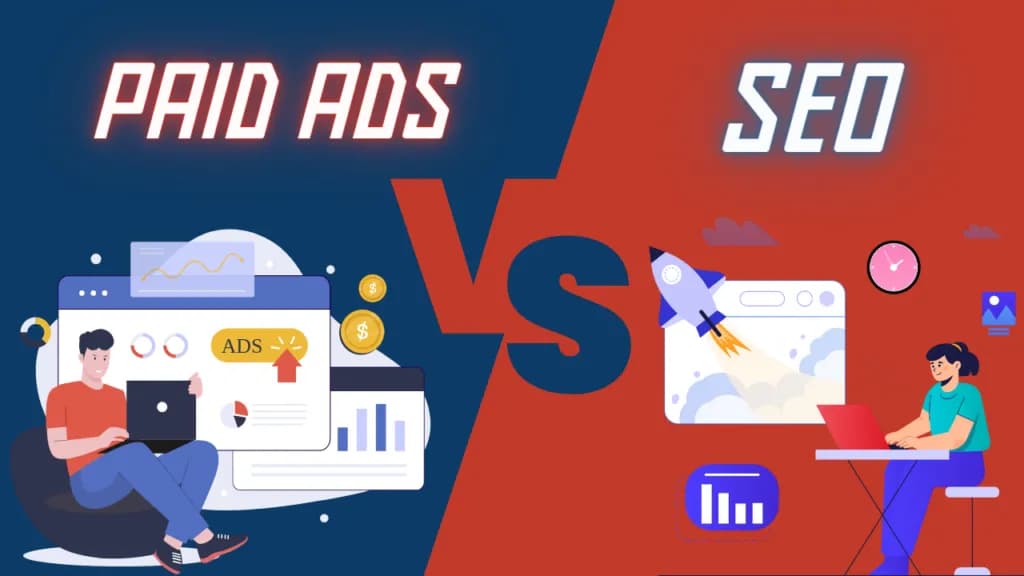
The decision-making process between paid and SEO is usually based on the goals you have in mind, your budget, and timing.
Read More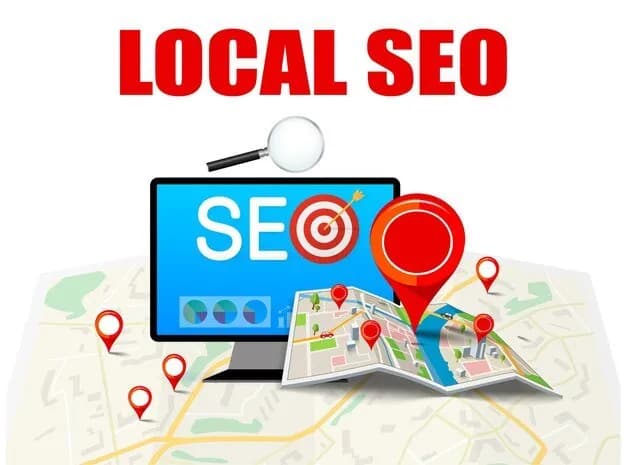 SEO
Local SEO helps businesses improve their online visibility, attract nearby customers, and increase foot traffic by optimizing for location-based searches.
Read More SEO
A well-optimized Google My Business profile boosts local SEO, increases visibility, attracts customers, and helps businesses rank higher in local searches.
Read More