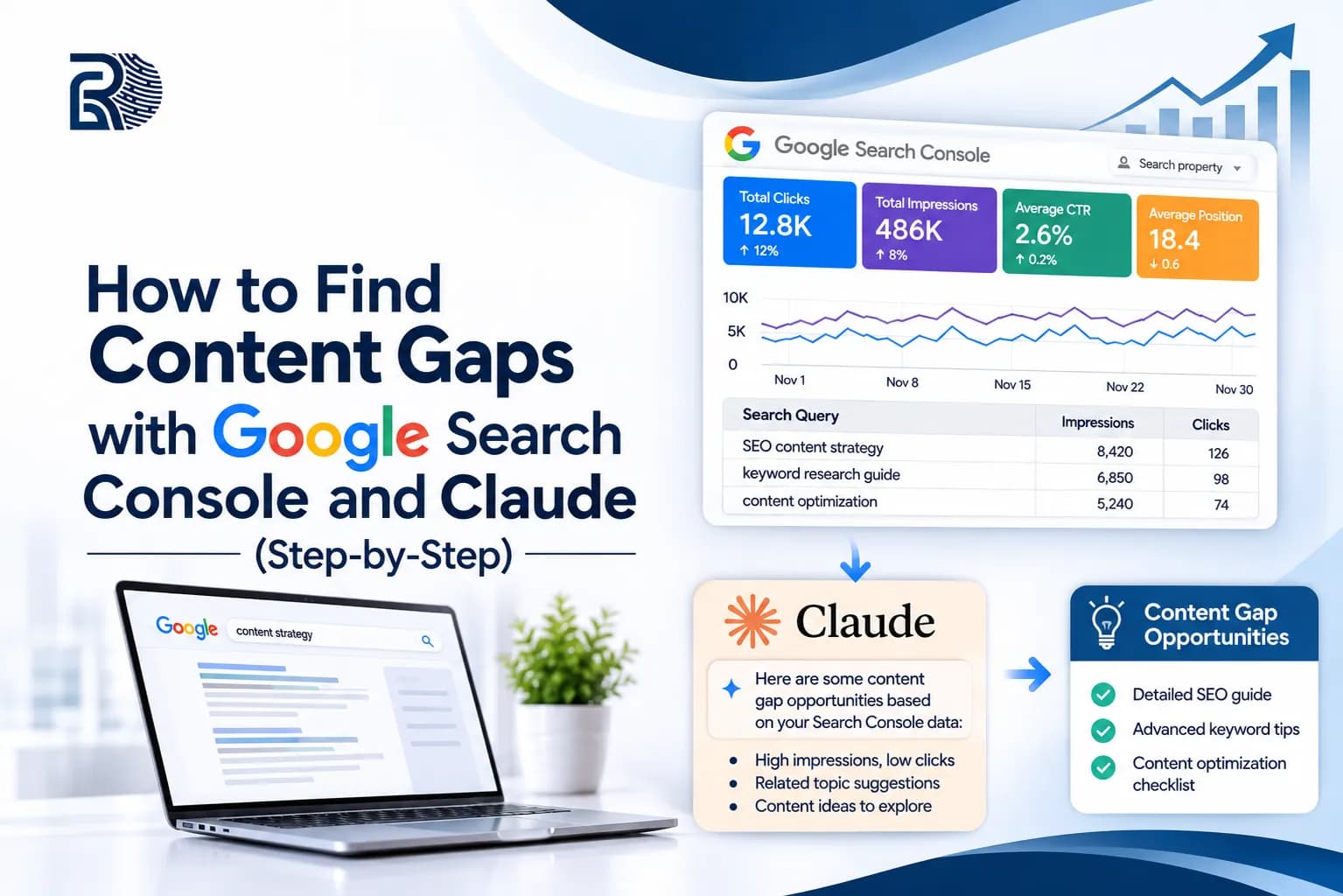
One of the quickest SEO research workflows needs no paid tool at all: export your Search Console data, give it to an AI assistant, and ask what you rank for but have no content for. It takes minutes, and it works because the evidence is already in your own data. This guide walks through every step, then adds the checks and timing advice that most quick tutorials skip, including what this month's Google changes mean for your data.
Why this workflow works
Search Console records queries for which your site appeared, even if you never wrote a page targeting them. Deep impressions with a weak page behind them show that Google is testing your site for a topic and finding only a loose match. That is usually faster to win than a brand-new keyword, because you have already cleared the first hurdle of being considered.
What Search Console shows | What it tells you |
High impressions, no matching page | Demand exists, and you have no dedicated answer |
Average position 6 to 20 | Google already considers you relevant, so a better page can reach page one |
Low click-through rate on a ranking page | The page or snippet does not match what searchers want |
16 months of stored data | A 12-month view captures a full seasonal cycle |
Timing note: wait for clean data
Two November events affect when you should run this.
Date | Event | What to do |
9 to 11 November 2026 | Logging error lowered impressions in the Generative AI performance report | Annotate these dates and treat the figures with care |
10 to 24 November 2026 | Core update rolled out and was confirmed complete on 24 November | Avoid analysing data from this window |
About 1 December 2026 | One full week after the rollout ends, as Google's guidance advises | Run your gap analysis with cleaner data |
The logging error affected data collection, not real performance.
The 10 steps at a glance
Step | Where | What you do | Tip |
1 | Google Search Console | Select the property to analyse | Use the correct domain property |
2 | Performance, then Search results | Open the query and the page report | This report holds queries, clicks, impressions, CTR, and position |
3 | Date range | Choose the last 12 months | Captures full seasons |
4 | Top right of the report | Click Export | Check filters are clear first |
5 | Export menu | Choose CSV | The download arrives as a ZIP of separate tables |
6 | Claude or another LLM | Open a new chat | Any assistant that accepts file uploads works |
7 | The chat window | Drag in the downloaded file | The ZIP can be uploaded as it is |
8 | The prompt box | Paste: "Find keywords I rank for but don't have content for." | Add your brand name to exclude |
9 | The response | Review the table of gaps | Look at the "what exists now" column |
10 | Your content workflow | Research and write the page | Study what is ranking before you write |
What a useful output looks like
Page to make | Main queries | Impressions | Avg position | What is there now |
Best SEO newsletters | seo newsletter, best seo newsletter | 63,000 | 11 | No list page, only loosely related articles |
SEO consultant NYC | seo consultant New York | 44,000 | 16 | Only a general services page |
How to humanize AI text | humanize AI text, humanize AI | 16,000 | 12.5 | An existing article covering only one tool |
These figures are illustrative, not your data. The last column is the most useful because it shows when you have only a near match that answers a different question.
Turn the list into a content plan
Rapid Digital Growth recommends scoring each gap before writing anything:
Signal | Higher priority | Lower priority |
Impressions | Thousands per year | A handful |
Average position | 6 to 20 | Beyond 30 |
Existing page | A near match you can improve | None, and a hard topic |
Search intent | Clear and matches your offer | Unclear or off-topic |
Business value | Leads to a service or product | Purely informational |
Then decide to update or create. If an existing page is a near match, improve it. If searchers want something different, such as a tool, a list, or a comparison, build a new page. Open the live results first to see which format is winning.
Check the AI's work
Check | Why it matters |
Row limits | The interface exports a capped number of rows per table, so long-tail queries are missed |
Branded searches | Brand queries pad the list with terms you already own |
Spot-check the numbers | AI summaries can misread a column |
Cannibalisation | A new page must not compete with one you already have |
Privacy | Confirm you may upload client data to an AI tool |
URL mapping | Rapid Digital Growth suggests asking the assistant to name the existing URL for each gap |
Mistakes that waste the opportunity
Mistake | Better approach |
Publishing AI-written pages unedited | Use the output for research, then write with real expertise |
Analysing during a core update | Wait about a week after the rollout ends |
Chasing every gap | Pick the five that matter most |
Ignoring page quality | A near-match page may only need a rewrite |
Not tracking results | Record the publish date and recheck after a few weeks |
The takeaway
Finding content gaps does not require an expensive tool. Export 12 months of Search Console data, give it to Claude with a clear prompt, verify the list, and turn the best gaps into pages. Run it after the core update has settled, and treat the AI as a research assistant, not an author.
Your next step is simple: put a reminder in your calendar for early December, export your data, and run the prompt. If you want help turning the list into a prioritised plan, the team at Rapid Digital Growth can review your Search Console data and map the biggest gaps to pages.


 SEO
 SEO
 SEO